When to Deploy Subagents: Understanding Context Compression and Specialization
When to Deploy Subagents: Understanding Context Compression and Specialization
The Insight: Subagents as Context Compression
You’ve heard the term “subagent” thrown around—specialized AI assistants with isolated context windows that work independently. The concept sounds promising until you deploy them wrong and waste tokens.
Here’s the mental model: subagents compress context.
Think of it like this:
- Main agent: “Here’s a research task”
- Subagent: Explores, tries approaches, hits dead ends, refines, evaluates options
- Result: Returns the final answer
- What happened: All intermediate steps, failed hypotheses, and reasoning chains compressed away
Compression is the feature, not a limitation. This explains why subagents excel in some contexts and fail spectacularly in others.
Subagents don’t offer speed. They compartmentalize work and fold away the investigative process, leaving only results.

Why Subagents Transform Research and Exploration
Subagents excel at research tasks. The architectural reasoning holds:
Context Isolation Powers the Design
Research requires no bidirectional refinement. You ask a subagent: “Find three approaches to solving this architecture problem” or “Research how other companies implement this pattern.” The subagent explores, synthesizes, returns findings. Done.
You never see the exploratory dead ends. You skip the first three approaches the subagent tried before finding the best one. Context isolation prevents what Anthropic calls “context pollution”—the clutter of intermediate work that serves no purpose in the main task.
Parallelization Multiplies Value
Subagents multiply their value here. Independent research questions parallelize perfectly.
Anthropic’s research measured this: multi-agent research systems with parallel subagents outperformed single-agent systems by 90.2%.
Why? Because you spawn multiple subagents simultaneously:
- One researches what Anthropic says about subagents
- Another researches industry implementations
- A third explores architectural comparisons with alternatives
Results return compressed—pure findings, no exploratory noise. The main agent synthesizes in seconds. Compare this to serial research: ask agent about Anthropic → wait → read → ask about industry → wait → read → ask about comparisons → wait.
Parallel exploration + context compression = dramatically better research outcomes.

Specialization Prevents Tool Sprawl
When a single agent accesses 20 tools and 5 specialized domains, decision quality degrades. The agent context-switches between expertise domains and makes weaker choices.
Subagents with focused tool access solve this. A “code-reviewer” subagent sees only tools relevant to code analysis. A “research” subagent focuses on web search and synthesis, not debugging tools.
Anthropic’s data shows: focused agents with limited tool access outperform generalists with access to everything.
This mirrors human teams. You don’t ask your architect to debug tests. You don’t ask your researcher to review production code.
Why Subagents Struggle with Implementation
This is where conventional wisdom fails.
Implementation is inherently stateful. It requires conversation. Watch what happens when you try:
Iteration Breaks
You send a subagent a task: “Implement the authentication system.” The subagent:
- Writes initial code
- Runs tests
- Gets failures
- Tries to fix them in isolation
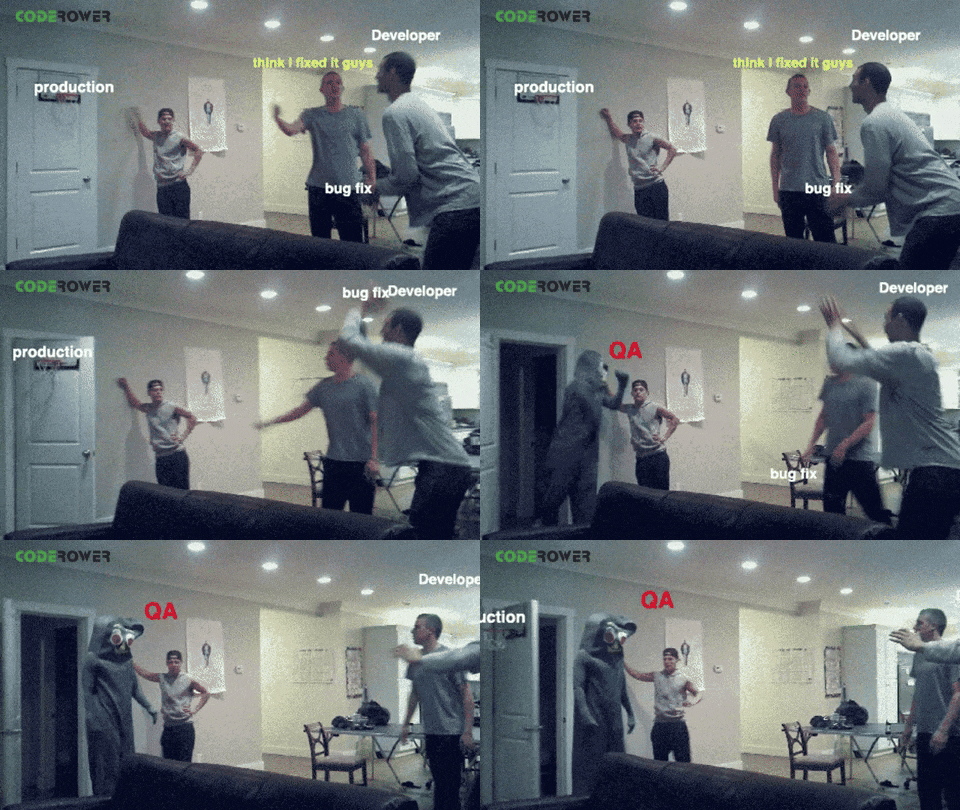
Here’s the problem: When the subagent hits a design decision (should this be async? should it use a library?), it cannot ask you. It assumes. You receive code that misses your architectural preferences.
Compare this to main-agent implementation where you see code in progress and course-correct mid-flight. That iteration loop drives implementation success.
Context Isolation Prevents Pattern Learning
Implementation success depends on learning your codebase patterns. How do you name things? What’s your error handling style? What architectural preferences run through your code?
Subagent isolation prevents this. Each invocation starts fresh. The subagent reruns the same learning process repeatedly—building context about your patterns from file reads instead of organic conversation.
Token math: Anthropic measured this. Subagents consume 3-4x more tokens for iterative implementation tasks than main-agent implementation. Why? Because each iteration requires re-contextualizing the subagent on prior attempts, failures, and architectural patterns.
Architectural Decisions Demand Dialogue
“Does this service go in the backend or edge function?” “Should we use Redis or memory cache?” “How much error recovery is enough?”
These questions have no right answers in isolation. They depend on your deployment constraints, your team’s preferences, your risk tolerance. A subagent makes a defensible choice. Your judgment makes the right choice.
Implementation done well is conversation with someone who understands your constraints and preferences. Subagent isolation breaks that conversation.
The Decision Framework
Deploy subagents for:
- Research and exploration: Finding answers with clear outputs. Multiple sources, parallel investigation, synthesized results.
- Verification and review: Code review, testing, quality checks. These have clear evaluation criteria and require no iteration.
- Investigation: Root cause analysis, debugging hypothesis testing. Follow a trail, return findings.
- Specialization: Tasks where focused tool access and tight domain expertise matter more than contextual flexibility.
Keep the main agent for:
- Implementation and coding: Architecture depends on conversation and pattern learning.
- Design decisions: Choices that require understanding your full context and constraints.
- Iterative refinement: Work that requires back-and-forth feedback and course-correction.
- Complex debugging: Understanding why something broke requires maintaining conversational history and learned context.
The pattern: subagents excel when work has a clear output. They struggle when work is inherently stateful and requires dialogue.
The Parallel Workflow in Practice
Here’s what this looks like in real work:
-
Identify a task with research and implementation components. Say: “Build a new API endpoint with caching strategy research and implementation.”
-
Spin up a research subagent: “Research caching strategies for read-heavy endpoints. Compare Redis vs in-memory vs CDN. Return comparison with recommendations for our access patterns.”
-
Meanwhile, you and the main agent start implementation: “Build the endpoint structure, error handling, and basic response. Wait for caching research to complete before finalizing.”
-
Subagent returns caching research: Redis for distributed systems, in-memory for single-instance, CDN for static content. Your system is multi-instance, so Redis fits.
-
Integrate findings with the main agent: Implement Redis integration using the research guidance.
-
Spin up a review subagent: “Review this endpoint implementation for security, caching best practices, and error handling.”
-
Review returns: “Security solid, caching config efficient, error handling covers the main cases. Consider adding circuit breaker for Redis failure.”
-
Main agent incorporates feedback: You and the main agent add the circuit breaker, iterate, ship.
Notice the structure: research parallelizes, implementation stays conversational, review happens systematically.

The Real Constraint: Thinking vs. Doing
Subagents reveal a fundamental insight about AI-assisted work:
Parallel agents become useful only when thinking is complete.
When you’re still figuring out what to build, subagent parallelization adds noise. You spawn three agents to explore different approaches without clarifying your constraints, so you receive three solutions to three different problems.

This is why the superpowers skills matter. The workflow runs:
- Brainstorm (with full context) until thinking clarifies
- Write a detailed plan (which gates bad ideas)
- Deploy subagents (specialized workers executing clear specifications)
- Synthesize results (main agent integrates and refines)
This inverts how most people attempt parallelization. Most try: “Let me spawn three agents to figure this out.” That’s expensive waste. Better: “Let me complete the thinking work (with AI support), then hand off execution to parallel specialists.”
The unlock: Parallel agents become cost-effective only after thinking completes. Bad thinking parallelized is expensive confusion multiplied.
What the Industry Validates
The research bears this out. Anthropic’s approach (context-isolated subagents returning findings) matches how the broader industry discusses this:
- OpenAI’s “handoffs” transfer work to specialized agents sequentially
- Google’s ADK uses parallel agent orchestration for research tasks specifically
- LangChain’s DeepAgents deploy workers for task decomposition once the main plan clarifies
- CrewAI’s delegation works best when the manager agent has clear task boundaries
No successful implementation uses subagents for unstructured implementation. All successful implementations isolate research, verification, and specialized tasks to workers. Implementation stays with the orchestrator.
The pattern converges: specialization + parallelization is cheap for bounded work. It’s expensive for unbounded work.
The Takeaway
Subagents aren’t a tool to accelerate everything. They’re a specialist tool for specific work patterns.
Deploy them for research: parallel exploration, compressed findings, focused synthesis. Deploy them for verification: independent review, clear pass/fail criteria, no iteration needed. Deploy them for specialization: work where tight domain focus matters more than codebase context.
Keep them out of implementation: the back-and-forth iteration, pattern learning, and architectural dialogue that make coding work well require conversation and context retention that subagent isolation breaks.
Developers who move fastest don’t parallelize everything. They think clearly (with AI support), plan explicitly, then parallelize execution. Subagents become a force multiplier, not a solution to unclear thinking.
How have you used subagents? Do they accelerate your work or create token waste? Tell me about workflows where you’ve found them indispensable—and where you’ve found them surprisingly costly.